

The 10 Worst Self-Checkout Habits Employees Can't Stand
Self-checkout has its advantages, but it's undeniable that it can be stressful for a lot of people. Even though these machines have been around for years now, their temperamental — and slightly advanced — technology can be a serious nuisance for some customers. But you might be surprised to learn that they irritate store employees just as much. Certain self-checkout habits that customers have can make a retail worker's day significantly worse.
The thing about self-checkout is that it creates a sense of anonymity, and once the person-to-person nature of traditional checkout is removed, some customers start behaving in ways they otherwise wouldn't. Things like directly blaming employees for out of order machines, leaving carts in the way of other shoppers, or trying to sneak items into their bags are sadly common behaviors — and those are just some of the the customer habits that annoy store workers the most. Here are some mistakes to avoid in the grocery store self-checkout (or any store, for that matter) so as not to frustrate employees.
Trying to steal items
It's not too surprising that self-checkouts have caused a rise in supermarket thefts. Since being given the ability to scan their own items, customers have figured out how to steal items or pass more expensive items off as cheaper ones; it's actually why Aldi is removing self-checkout from some locations. It's obvious that this is something a lot of employees really don't appreciate. It's these people, after all, who are tasked with the responsibility of keeping an eye on self-checkouts, ensuring everything goes smoothly, and monitoring for any illicit behaviors.
The worst part is that when customers get caught for trying to steal, they tend to get mad at the employee who caught them. Supermarket workers have reported being verbally abused after preventing thefts at the self-checkout, even though it's evident for all to see that the customers involved were being shady. This level of defensiveness has even led some employees to become reluctant to intervene due to the personal risk it may incur. As one store employee commented on Facebook, "I don't get paid enough to be defensive tackle." All of this could be prevented, of course, if people just didn't steal in the first place.
Asking staff to do everything for them
It's called a self-checkout for a reason. Yeah, you might need help here and there, but by and large, you're expected to scan and bag your items yourself. This concept continues to escape some people, though, and supermarket employees constantly have to deal with people at the self-checkout who have decided the staff are their personal cashiers. Time and again, employees are asked to scan customers' items for them, apparently because they're too busy to do so themselves.
The person that's actually busy in this situation is the employee. Self-checkout employees aren't there to scan items individually for customers, but rather to monitor all of the machines at once. Sometimes they have to deal with full banks of scanners and multiple people who need assistance simultaneously. They're working, and if you occupy their time out of pure laziness, it stresses them out and also prevents other customers from getting the help they actually need. What's particularly irksome for employees is when customers do this even though there are manned checkouts available elsewhere in the store. While some European grocery stores have slow checkout lanes for chatty shoppers, self-checkout is pretty much the opposite of that in America. If you want the human touch (which is totally understandable), head to one of those instead.
Blaming employees for the faults of the self-checkout machines

We're not gonna sit here and tell you that self-checkouts aren't annoying. They can mess up, fail to weigh your items properly, and take forever; which all might leave you wishing you went to a cashier instead. These are all valid feelings, but if you feel your anger rising, shouting at the nearest employee is not the way forward. Self-checkout employees have to deal with poor customer attitudes daily, often being yelled at for things that aren't their fault and are in fact due to the customers' own mistakes.
Potentially even more annoying for staff is when customers take it upon themselves to tell them their stores shouldn't have self-checkouts in the first place. Some shoppers still take real issue with these machines, claiming that it forces them to do all the work themselves while the employees don't do much at all. Not only is this not the case (employees usually have a lot to deal with), but the worker you're complaining to clearly didn't decide to place self-checkouts in the store all those years ago. Unless you happen to bump into the CEO of the company, those complaints are being misdirected. One employee explained the situation well on Reddit, "I can't change it and they [the customers] can't either but it is like they blame me for it, talking to me rudely and being disagreeable." If you don't like them, go to a store that values a more personal customer experience, which is why Trader Joe's doesn't have self-checkout.
Trying to use coupons
Self-checkouts require you to scan or weigh your items, and as the customer, you generally don't have access to much beyond that. This creates a problem for non-barcode coupons, which are still a feature at some stores — and which, of course, can't be scanned. According to employees, this is a real friction point at self-checkouts. While coupons can be tapped in using an override function in some cases, it's fair to say the workers generally feel that if you're planning on using one or more of these, you probably should have gone to a cashier in the first place.
Couponing in general is a bit of an irritant for employees, even if they can be scanned at a self-checkout, due to the amount of time it can take to approve them. Either customers have a load of them that need to be looked at and confirmed, or they can't figure out how to plug them in themselves, which is sometimes the fault of the software. "What gets me is the coupon button. It is only there to confuse people more and make them frustrated resulting in a call to customer service," a store employee shares on Reddit. Another worker seconded that feeling, "I tell people not to even touch the coupon button, it's useless. Just scan the coupon like you do product." Admittedly, this is on the machines and not the customers, but it's still a pain point for employees that can be avoided by taking your coupons to a traditional cashier. And don't get mad at the employee if you're trying to use an expired coupon; this is just one of the things you should avoid doing at any type of grocery store checkout.
Trying to remove items while still scanning
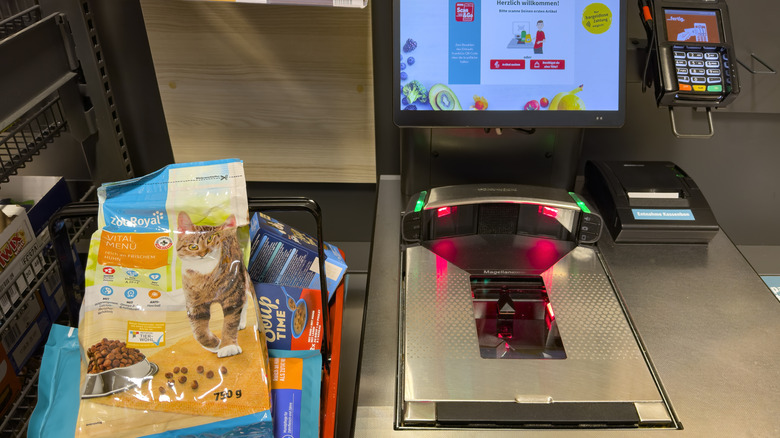
Surely, we all know the deal by now, right? You scan our items, and then, once the self-checkout machine recognizes that you've placed them in the bagging area, you're allowed to continue. Those items must stay there until you've finished the whole transaction, or else things go wrong, and the whole machine stops working. The scales in a self-checkout bagging area are designed to confirm that items placed there match those scanned, and they're super sensitive.
Despite all this, the number of people who remove their items from the bagging area while they're still in the middle of scanning them is extraordinary — and inevitably, it's self-checkout employees who have to deal with their complaints when the machine acts up. Granted, a lot of the time, the people who do this might be more used to in-person cashier transactions, but that's no excuse to get angry at the people who are trying to help you out. One employee on Reddit feels very passionate about this, commenting, "Every day, I just want to scream at people,'WHAT PART OF LEAVE YOUR S*** IN THE BAGGING AREA DON'T YOU UNDERSTAND, YOU DUMBA**?!?!?!'" Some stores even end up turning off their weight sensors so the whole ordeal doesn't take up too much of the employees' time. Just leave those items where they are until you're done, people.
Customers who try to use machines that aren't working
There's something about self-checkout that creates a sense of impatience. Because customers are left to fend for themselves, and these machines exist to make everyone's lives quicker, people sometimes try to take matters into their own hands to get their transactions finished — even if they do so in completely illogical ways. One especially frustrating thing customers do is ignore signs that say a machine isn't working or that a lane is closed. For some reason, some shoppers think these signs don't apply to them – and then get frustrated when the machine, in fact, does not work.
Spoiler alert: That sign's probably there because the self-checkout machine is broken or needs maintenance. Supermarkets don't just deactivate their self-checkouts for the fun of it. They have an incentive to keep as many of them going as possible, particularly during busy periods, so people have a smoother, quicker experience at checkout. If they're turned off or they have a sign on them saying they're not working, you're not going to magically discover it works just for you.
When customers allow their kids to do all the scanning

There's an understandable logic behind letting your kids scan items at the self-checkout. It's a good way to introduce them to the art of self-sufficiency (because let's face it, these machines aren't going anywhere) — and it's also sometimes fun for them to do. That doesn't mean employees don't get annoyed when parents allow it to happen, though. If self-checkout machines are temperamental for adults, imagine how quickly they can act up when you have a kid scanning things incorrectly and placing items where they shouldn't go. "Can't stand it when kids start to try to help at self checkout and it just makes the machine go bonkers," one retail worker shares on Reddit.
When this happens, self-checkout employees inevitably have to intervene, undoing any mess the kids have created. It's a particular bugbear for workers when parents allow them to do this during busy times. Yes, it may be nice to teach them how to do it, but it'll take longer than if you just scan them yourself, and that will hold up the line. Save the lesson for when you're the only one in line and there are plenty of other open machines.
When customers try to use cash on a card-only machine
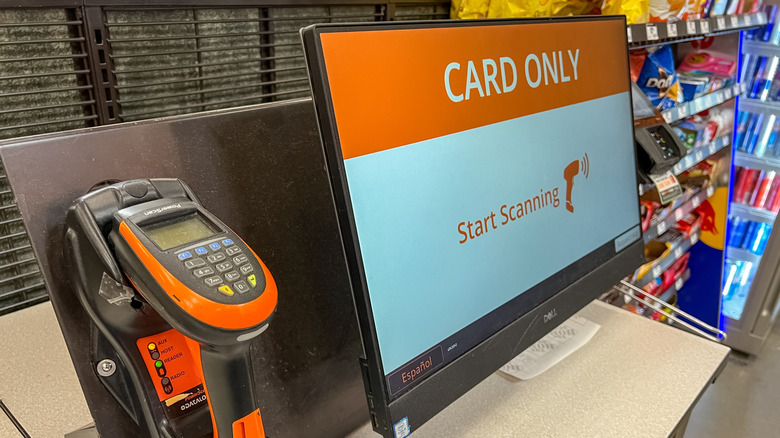
Cash is definitely being phased out in many areas nowadays, which has caused a lot of annoyance for customers. Many people feel, very understandably, that a push towards card-only transactions alienates people who prefer to (or who can only) use cash. This is felt particularly strongly at self-checkouts, where many machines require you to use a card and don't have any cash option at all.
That said, when customers fail to recognize (or ignore) that a machine is card-only, it's no surprise that employees can get a little frustrated. Supermarket workers constantly discuss this as a pet peeve, especially when the self-checkouts have clear signage showing they don't take cash. "The big "card only" sign above the screen and the massive "card only" on the screen before you start didn't give it away?" ponders one employee on Reddit. Subsequently, employees have to explain that customers can't use the machines, leading to stressful conversations, abandoned items, and a level of dissatisfaction for everyone involved. This is one of those situations where the irritation can be understood from both sides, but the bottom line is that the employees themselves don't make these decisions — so getting angry at them isn't worth anyone's time.
When customers leave their shopping cart or basket in the self-checkout area
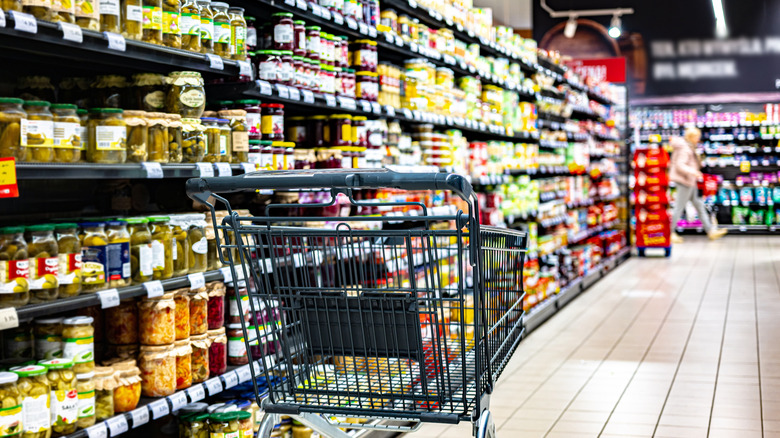
Where to stash your shopping cart or basket when you leave the self-checkout area sometimes isn't as clear as it is when you leave an in-person cashier. With the latter, there's often a place to tuck your basket, and most people know they should take their cart with them. In self-checkout areas, though, it can be a bit of a free-for-all, and some people end up leaving them everywhere but the right place — and often, in the case of carts, in everyone else's way.
Perhaps unsurprisingly, this annoys employees a great deal. "Me personally... it IRKS MY SOUL, because how can someone be so... egocentric," said one person on a Reddit page intended for Walmart employees to discuss their experiences. "Like its easier for you to push an empty cart back where you got it since you are ALREADY HEADED THAT WAY." It's the same with baskets, too: It's not hard to take them to the right place, and yet, people abandon them, leaving employees to tidy up. It may well be that the store you're in prefers you to leave baskets in the bagging zone, but if not, and if there's an obvious place to stash them, put them back where they belong.
Customers who scan their weekly groceries through a small self-checkout
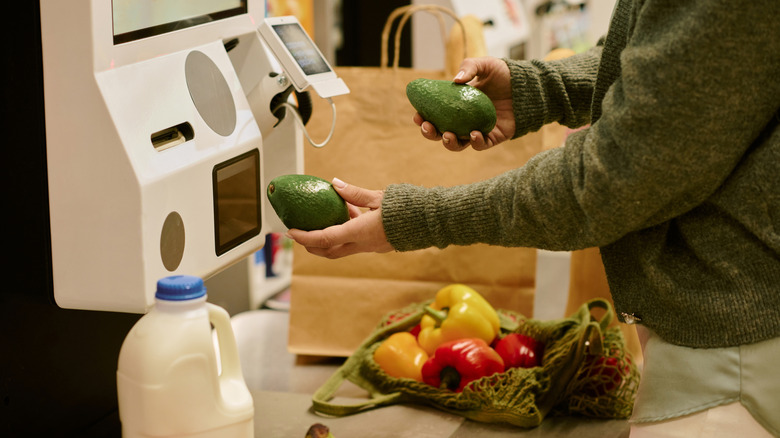
As self-checkouts have improved, they've been built in all different shapes and sizes — and these days, a lot of larger supermarkets have self-service checkouts designed for cartloads of shopping. However, that's not the case at every single one. Many self-checkouts are still small and intended for use with just a couple of items.
Despite this, a lot of customers take it upon themselves to occupy these machines with their week's load of shopping, even if they've explicitly been asked not to by the store. Sometimes, people do this because there are long lines at the cashiers; other times, they do it seemingly absent-mindedly, oblivious to the concept that this might hold up other shoppers. The employees then have to manage disgruntled customers who want to pay for their items quickly, redirect traffic to try and speed up operations, and deal with complaints about why there aren't any more self-checkouts open or available. If you have a full cart of groceries, and the store you're in only has small self-checkouts, you'll have to wait your turn in line for traditional checkout. If you really do prefer to do things yourself, a super simple way make grocery self-checkout faster is to organize your shopping cart as you add items to it and before you get up the machine.