

5 Common Problems With KitchenAid Mixers
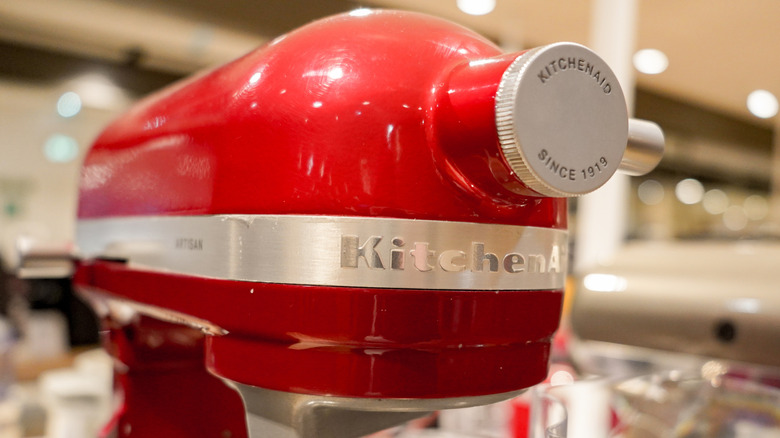
KitchenAid stand mixers have been an icon of home kitchens for generations, in many cases with the same properly maintained machine functioning for decades. Far from just a baker's best friend, there are many creative uses for a KitchenAid mixer, like shredding meat, whipping mashed potatoes, and more, making it useful for almost anyone. But even a reliable workhorse encounters problems.
The good news is that the most common problems with KitchenAid mixers often have simple solutions. Remember that these machines are built to last, so most strange sounds or behaviors have a fix that the company already incorporated into the design itself.
Consumers have encountered hopping heads, rattling noises, scraping attachments, and beaters that won't spin, yet none of these are necessarily cause to replace your machine. Not even a seemingly unsafe oil leak, which is actually food-safe in case of contact with ingredients. And if a consumer-ready solution doesn't actually solve the problem, you can always take your mixer to an authorized service center or mail it back to KitchenAid for servicing and repair.
Mixer head bounces in use
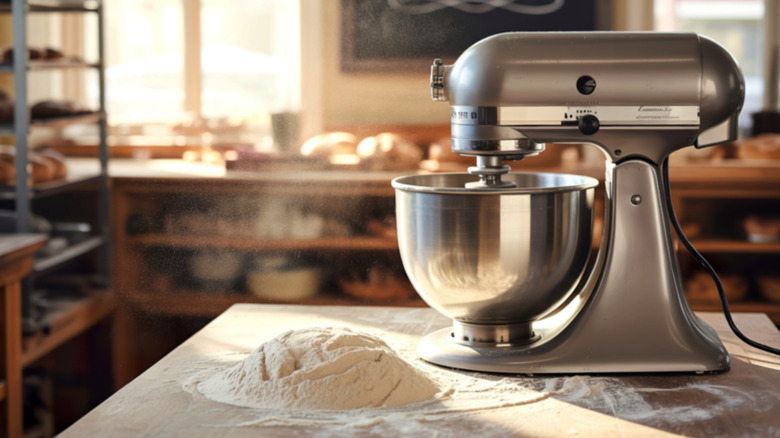
You may have noticed while kneading a batch of heavy dough that the mixer's head might bounce or hop periodically. In cases like these, the cause is obvious, but users may encounter similar mixer behavior with lighter duties, like making whipped cream or scrambled eggs. This is not necessarily a cause for concern either, and the solution should only take a few seconds.
There should be a small silver pin on the base of the mixer; if it is protruding out or in any way loose, it needs to be tightened. The pin can naturally come loose with regular use of the mixer, and its occasional retightening is just a basic part of maintenance.
Another common cause for a wobbling head has to do with the attachments being too low — perhaps the most obvious culprit for such behavior — and this is its own problem with its own solutions.
Mixer attachments scrape the bowl
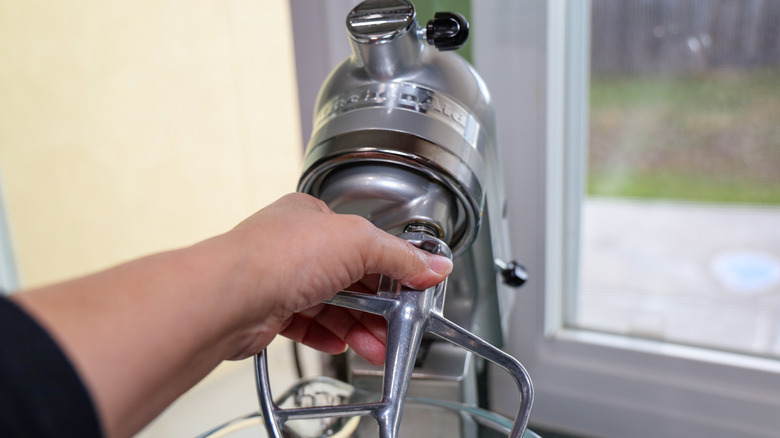
For a mixer to actually mix, the beaters need to reach deep into the mixing bowl, though not so deep that they are actually touching or scraping the bottom. It's not just annoying, but can result in improperly prepared foods and, over time, damage to the machine. And even if your mixer was properly adjusted out of the box, it can become off-kilter with regular use.
Not adjusting bowl clearance is one of the mistakes to avoid with any stand mixer. On a bowl lift mixer, this is as simple as rotating the obvious handle. On a tilt head mixer, simply tilt the head up and adjust an exposed screw. Twisting it clockwise will lower the beaters, whereas counterclockwise will raise them.
To be sure everything is properly adjusted, all you need is a dime. Place one in the bottom of the mixing bowl and attach the flat beater that came with your machine. Lower the head and turn the mixer on; the beater should just graze the dime without scraping it along the bowl or clearing it entirely.
Mixer runs but the beaters won't spin
A mixer that runs without spinning its beaters can seem like a lost cause, but with a KitchenAid, this may be the result of an intentional design choice. This issue usually traces to what's called a worm gear, a small gear inside each mixer that is actually meant to break. But this isn't an example of planned obsolescence pushing you to buy a new mixer.
Worm gears are breakable because they are a safety gear meant to break under stress, instead of overworking the far more expensive motor. But even if you don't push your mixer to its breaking point, by nature of their breakable composition, worm gears do eventually wear out with normal use.
Given that the part is intended to break sooner or later, this is also an easy fix. Worm gears are commonly and cheaply available online along with instructional videos on replacing them, but the safest bet is always to take it to a professional.
Mixer leaks oil
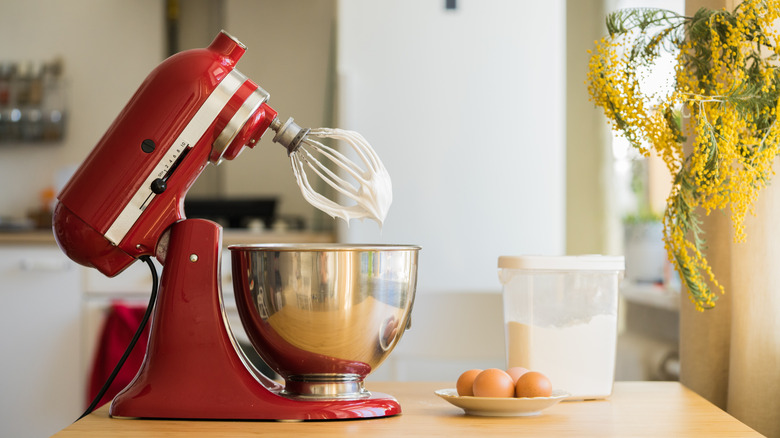
Some kind of oil might be a common food ingredient, but nobody wants machine lubricant in their food. And believe it or not, this is also a remote possibility with KitchenAid mixers, but the machine leaking oil is not necessarily a reason to replace it. Understanding this begins with the manufacturing process.
Each KitchenAid mixer is assembled with enough solid grease packed inside to keep all the moving parts lubed for life. It's supposed to stay inside the machine, but as the grease wears down over decades, it might begin to leak out. Kitchens in humid environments or with infrequently-used mixers may see more of this.
KitchenAid thought of this, too: the grease is food safe, though it may discolor white foods like mashed potatoes. And any on the exterior can be wiped away as needed. If you prefer, you can also send the mixer to an authorized service center and have the grease fully cleaned out and replaced, which should stop the leaks.
Mixer makes a rattling noise
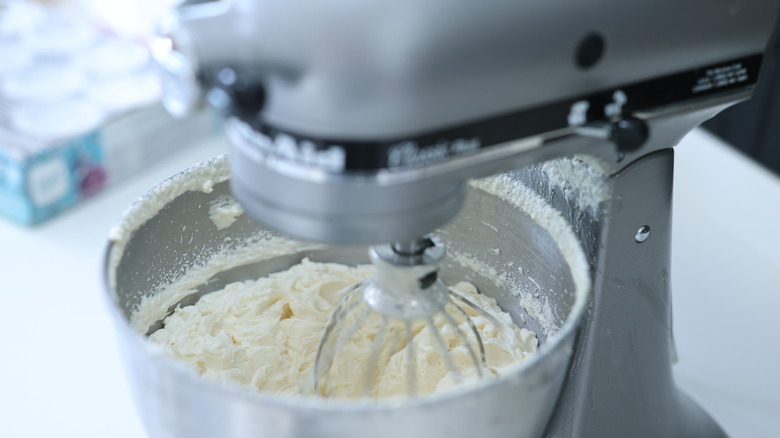
From their versatility to their durability, it's clear that KitchenAid mixers stand the test of time. Even if one experiences what might literally sound like a death rattle, from a quiet knocking to a violent shaking, it's still not down for the count yet.
Excessively loud stand mixers are usually in need of more interior lubrication. It's true that they are built with a lifetime of lubricant inside, but that lifetime is not infinite. Vintage and/or more frequently used machines are more likely to run into this problem.
For a temporary fix, apply a small amount of mineral oil or other food-safe grease to the inside. (Opening the machine will void any active warranty, though KitchenAid will still service it.) But you may as well leave this problem to an authorized repair facility as well, because if the machine is dry enough to rattle, it's going to need a full lube job eventually.